Modes for constrained links
Select Extra2G, Extra, Medium or Only Audio yourself. Lower-demand choices can help limit data use compared with more demanding video modes; no fixed saving is promised.
Holographic 2G is an Android app for one-to-one audio and video calls. Choose a call mode that fits your connection—from audio-only to the Extra2G video profile—and ask about running a dedicated server on infrastructure you manage.
Designed for bandwidth-constrained links, including 2G and some satellite internet connections. IP connectivity and the required network paths must be available; call quality and data use vary with network conditions, settings and devices.
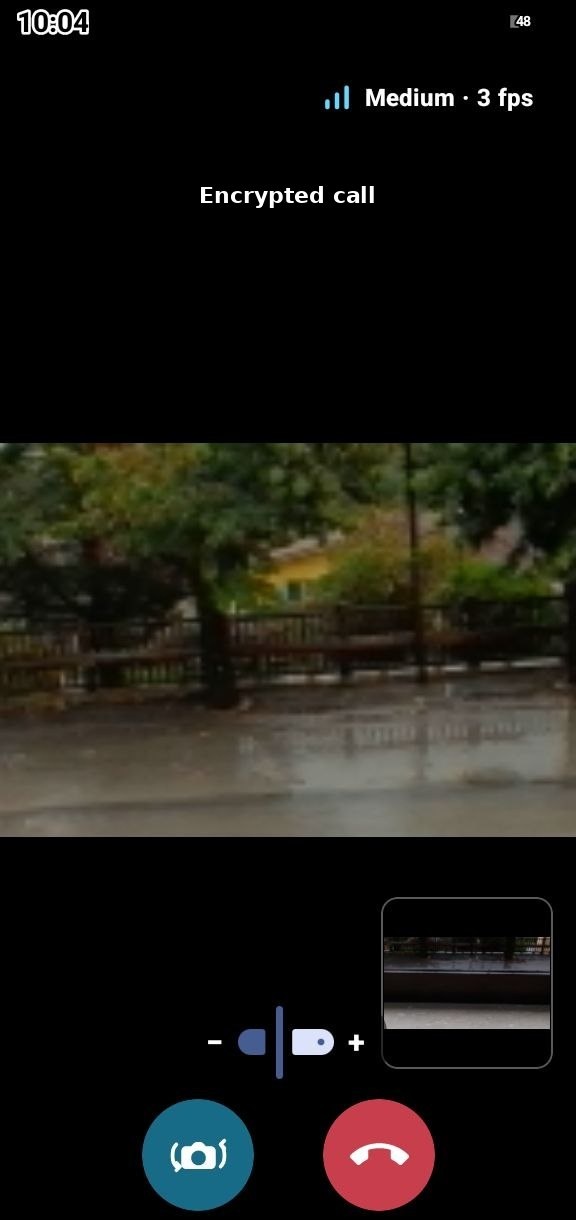
Holographic 2G focuses on one-to-one calls and gives you explicit controls for video, frame rate and microphone behaviour before each call.
Select Extra2G, Extra, Medium or Only Audio yourself. Lower-demand choices can help limit data use compared with more demanding video modes; no fixed saving is promised.
Verified accounts receive a personal H2G code. Save a contact locally by name and code, then use the address book to start an authenticated call.
All call modes carry audio. Choose Only Audio to disable video, or choose a video profile and select a frame rate before the call begins.
Call media uses ephemeral X25519 key agreement and ChaCha20-Poly1305 authenticated encryption. The relay forwards encrypted media packets and does not receive the clients’ private keys.
Low-bandwidth modes may help manage metered data costs. Satellite use depends on the provider, latency, IPv4 reachability and whether the required UDP traffic is allowed.
Organisations can request a commercial licence to install a dedicated server on a VPS they manage. Infrastructure, endpoint configuration, terms and availability are reviewed individually.
Choose the profile before calling. The app does not automatically switch modes or frame rates during a call.
A video mode intended for particularly constrained links. Hold-to-talk is required.
A selectable video mode. Choose 3, 5 or 10 frames per second before calling.
A different video profile for users who prefer it. The result still depends on the available connection and device.
Audio calling with the camera and video stream disabled. No frame-rate setting is used.
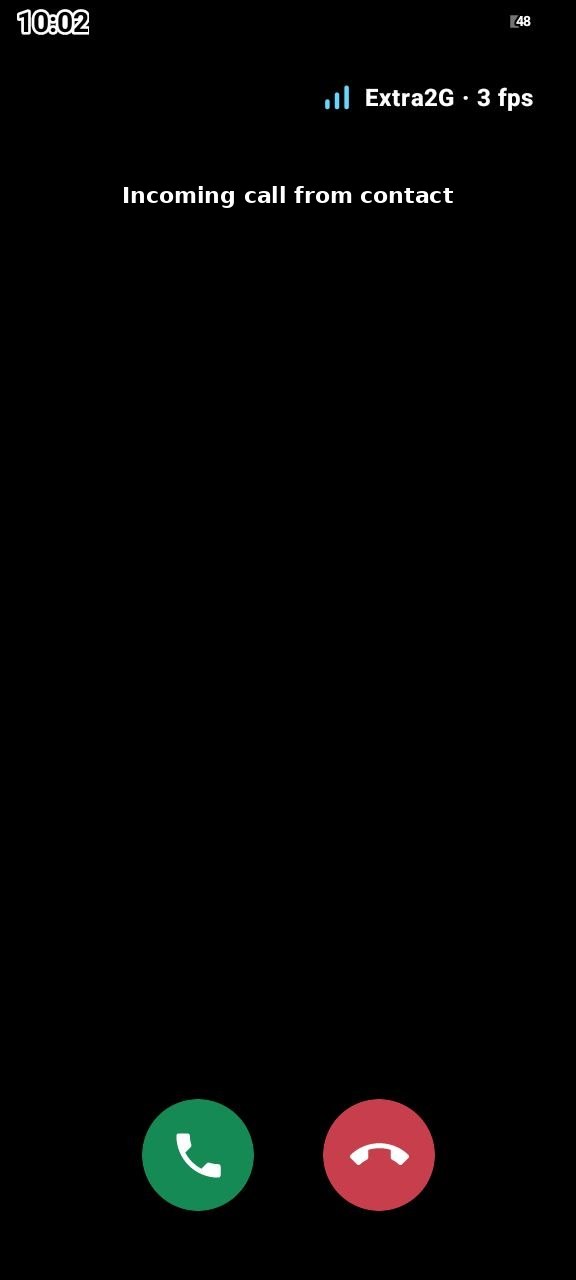
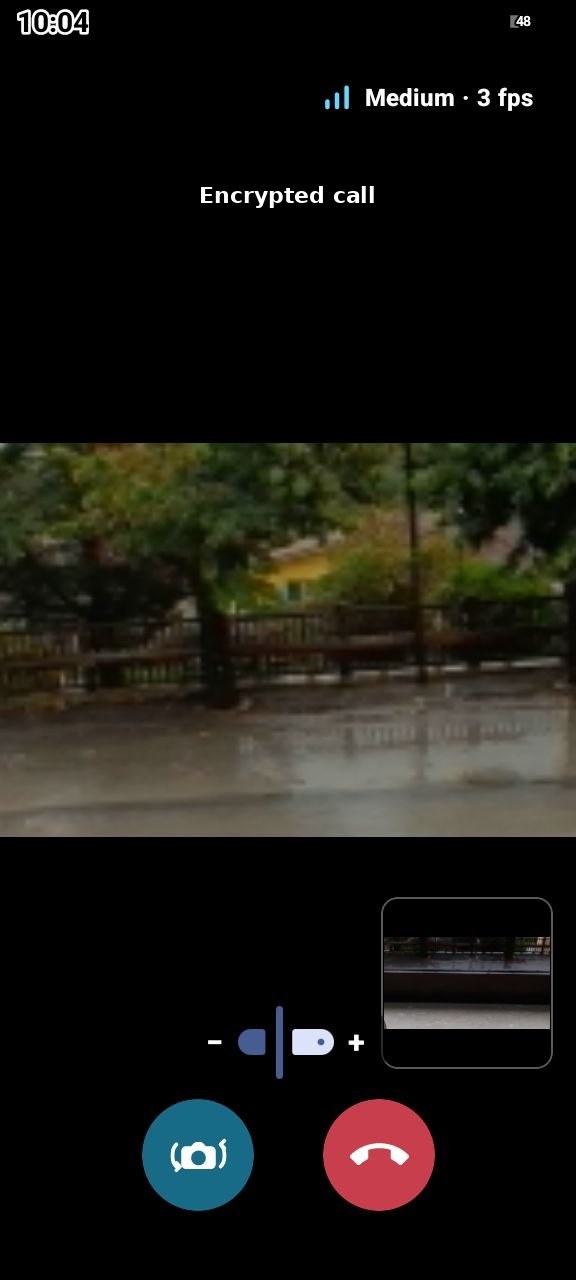
Five real app screens: a ready state, the address book, incoming and outgoing calls, and an active video call.
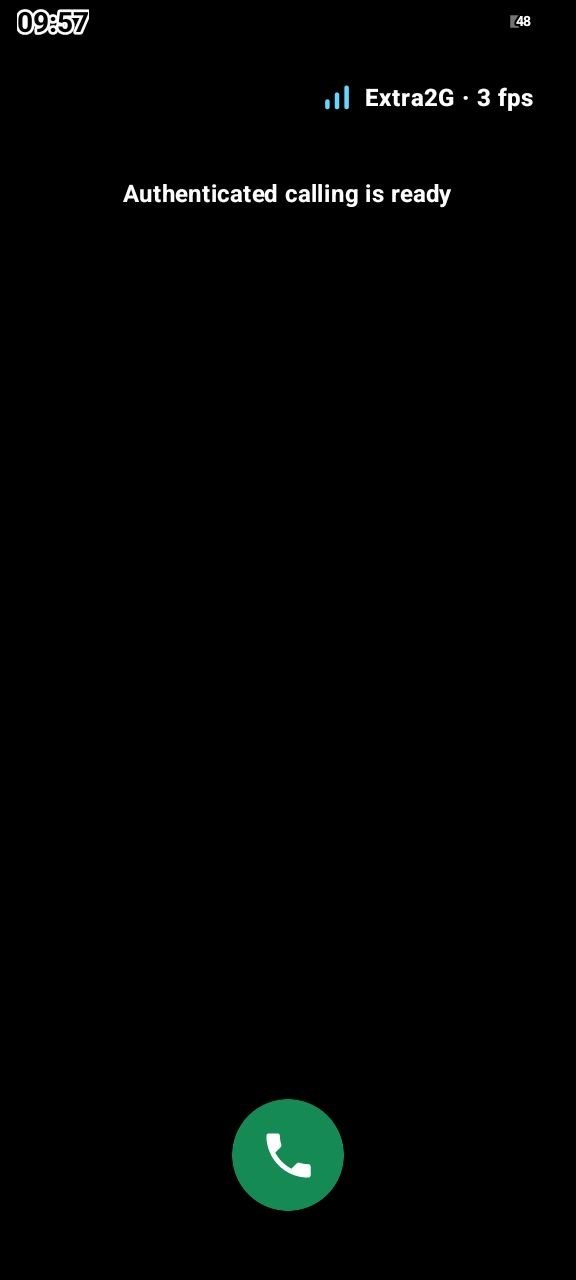
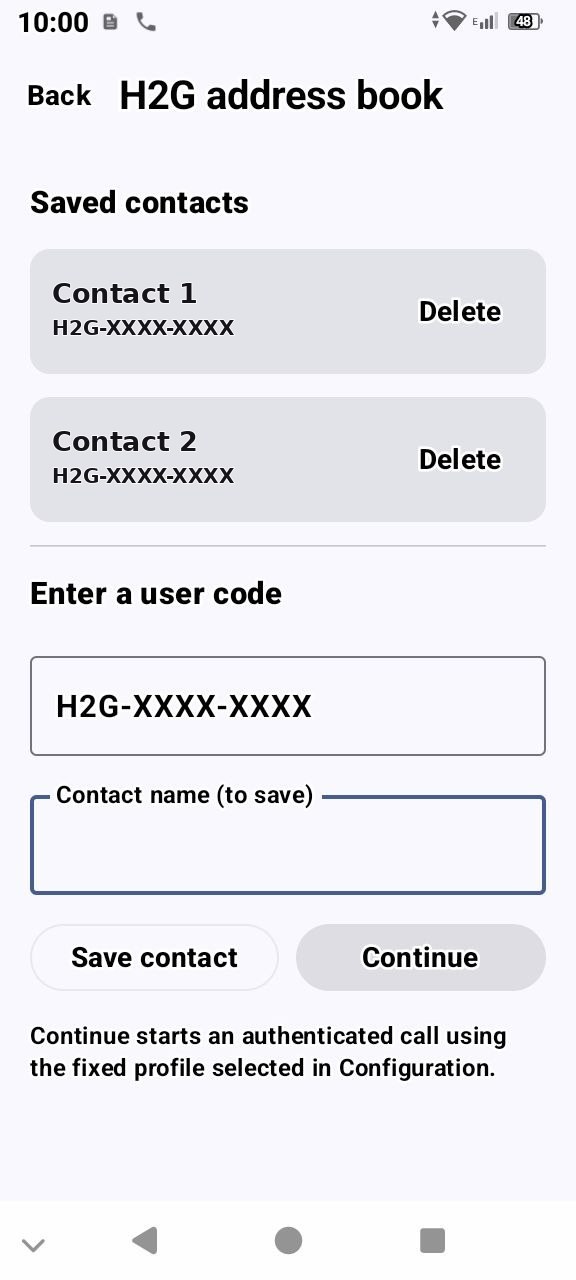
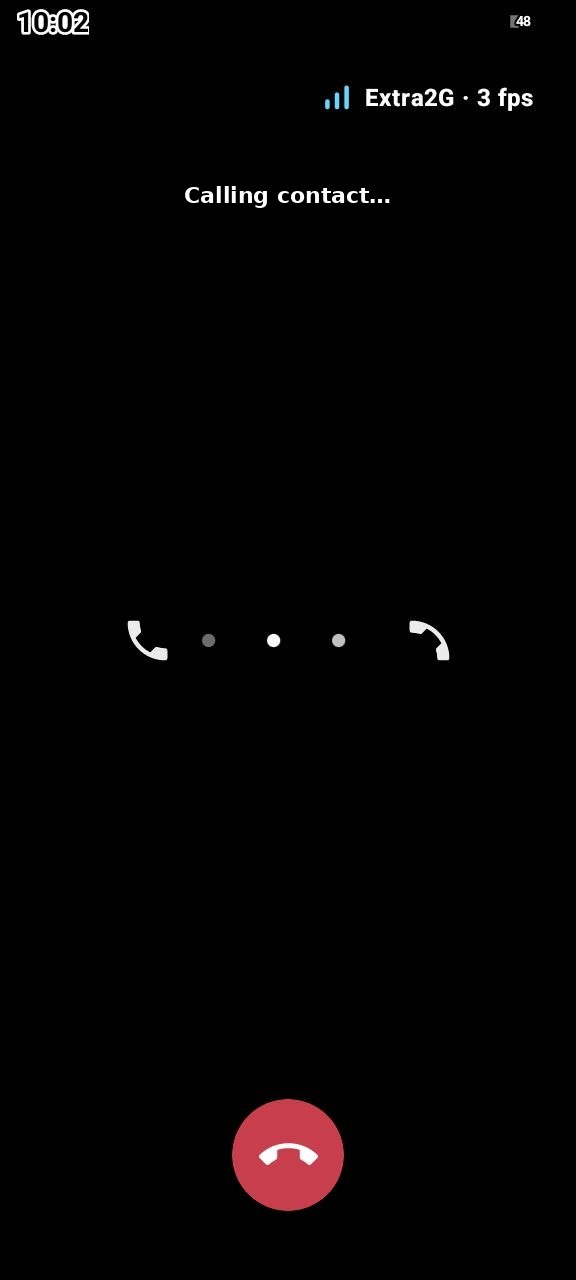
Each call derives ephemeral key material with X25519. Audio and video media packets are protected with ChaCha20-Poly1305 authenticated encryption, then forwarded by the relay. Account registration, call setup and routing metadata still involve the service.
Organisations may request a commercial licence for a dedicated Holographic 2G server on a customer-managed VPS. The VPS, domain and network connectivity are separate from the licence unless agreed otherwise.
Initial technical reviews use Ubuntu Server 24.04 LTS on x86_64, a public IPv4 address and separate API and relay hostnames. The commercial deployment package is still being validated; current availability, terms and Android endpoint configuration are confirmed individually.
No universal guarantee is possible. Calls require working IP connectivity and the required UDP paths to be allowed. Coverage, latency, packet loss, provider filtering, device and selected mode all affect the result.
No. Select the call mode, frame rate and microphone policy before placing the call. They remain fixed for that session.
No. Only Audio disables video. The other three profiles include audio and offer video.
No, not by default. The server is intended to run on infrastructure managed by the customer; any hosting or support must be agreed separately.
No. It is for demonstration and evaluation only. Availability, performance and capacity under high user loads are not guaranteed.
Open the commercial licence request page. Include your organisation’s name, a business contact email and an estimate of the number of users or employees.
Request a commercial server licence for a self-managed deployment. An enquiry is not a commitment or an automatic quotation; availability, requirements, pricing and terms are confirmed individually.
Open the commercial licence request form
Prefer email? xdaniele.rufox@gmail.com